
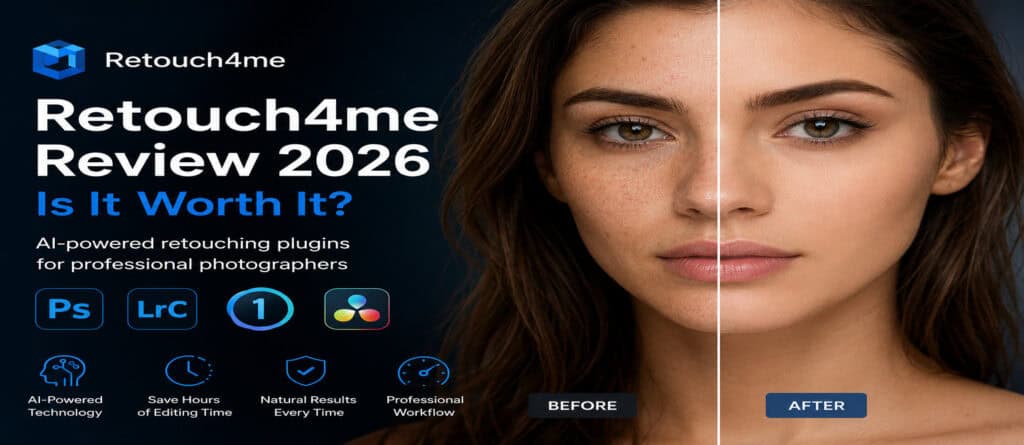
Photo editing can be one of the most time-consuming parts of a photographer’s workflow. Whether you are a portrait photographer, a wedding professional, or a content creator, spending hours retouching images can significantly reduce productivity. That’s where Retouch4me comes in.
Retouch4me is AI-powered photo retouching software designed to automate professional retouching tasks while preserving the natural texture of the skin. In this review, we will examine Retouch4me’s main features, pricing, advantages, limitations, and whether the tool is truly worth the investment for photographers involved in portrait photography in 2026.
What is Retouch4me?
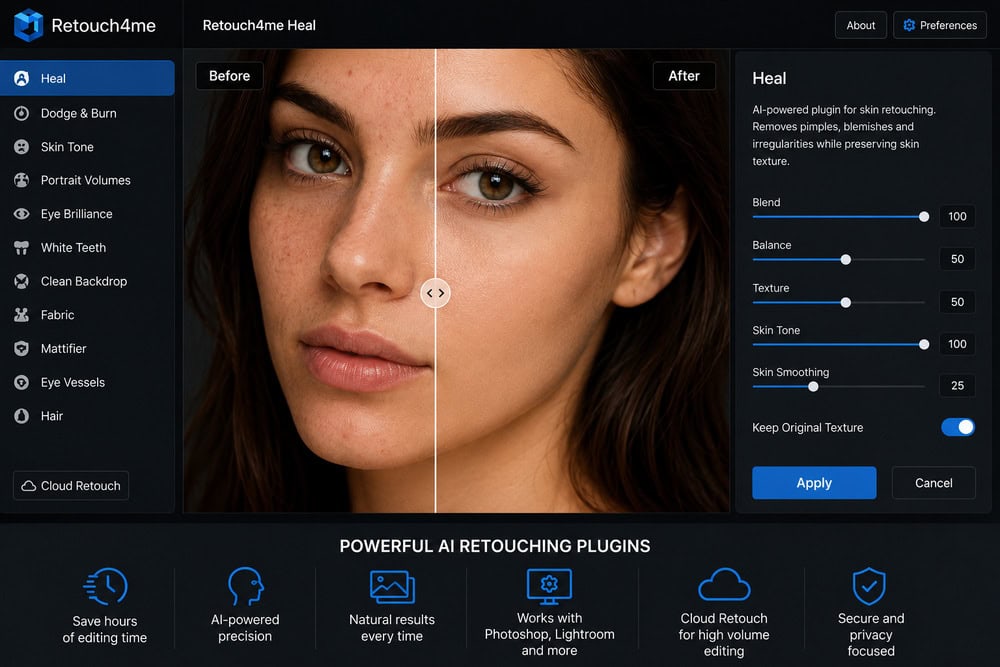
Retouch4me is a collection of artificial intelligence plugins and standalone applications created specifically for photographers and retouchers. This suite of plugins automates many repetitive editing tasks, including skin cleanup, dodging and burning, teeth whitening, unwanted hair removal, and background cleanup.
Unlike many AI editing tools that produce an artificial “plastic skin” effect, Retouch4me focuses on preserving realistic textures and natural-looking results.
The software works with popular editing programs such as Adobe Photoshop, Adobe Lightroom, Capture One, and can also operate as a standalone application.
Want to see how Retouch4me works in practice? Try the free version and explore all available AI retouching plugins on the official website.
What Differentiates Retouch4me from Other AI Retouching Plugins?
Unlike generalist AI editing tools such as Luminar Neo or Adobe Firefly, Retouch4me was developed specifically for the professional photography market. Its main differentiator is preserving the original skin texture while automating tasks traditionally performed manually by experienced retouchers.
Main AI Retouching Features of Retouch4me
Retouch4me offers several artificial intelligence–based tools and AI plugins to automate retouching tasks and speed up photographers’ workflows.
AI Skin Retouching
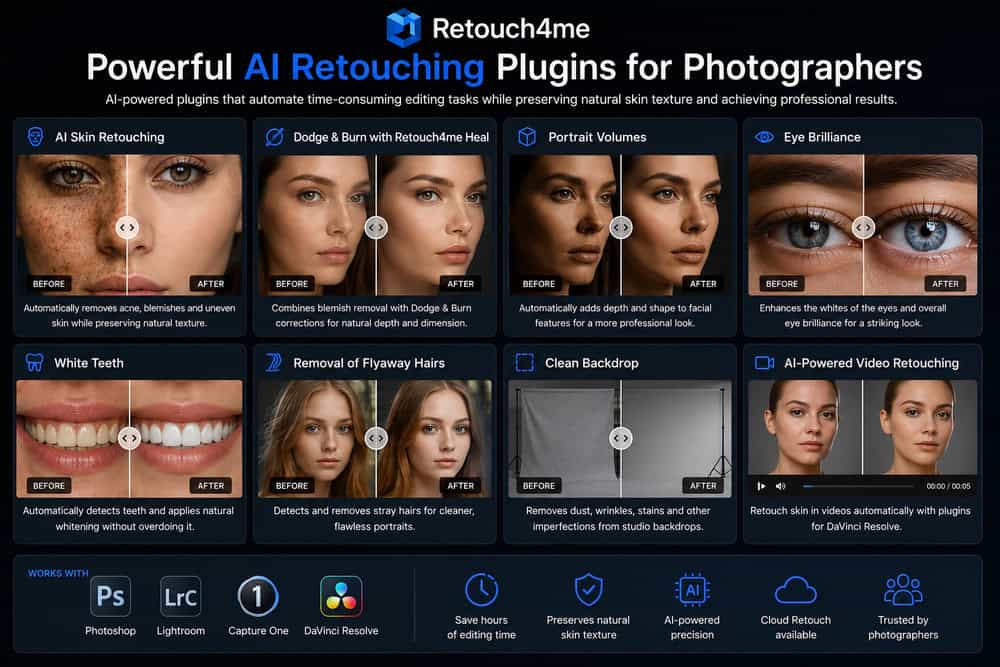
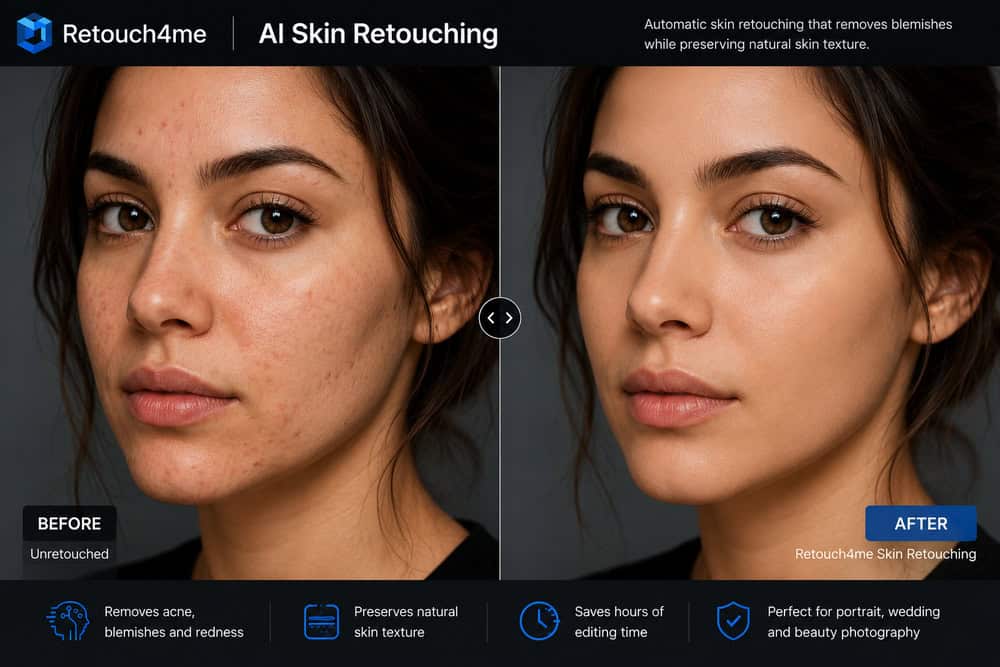
One of Retouch4me’s most popular features is automatic skin retouching. The AI detects acne, wrinkles, uneven skin areas, and other common blemishes while preserving the original texture.
This significantly reduces manual editing time, especially for portrait and wedding photographers, helping to save you time during the entire retouching process.
Dodge & Burn Automation with Retouch4me Heal
The traditional dodge and burn retouching technique can take hours. Retouch4me automates this process, and tools such as Retouch4me Heal combine pimple removal and Dodge & Burn corrections with minimal effort.
Portrait Volumes for Enhanced Portrait Retouching
Additional tools such as the Skin Tone plugin help photographers achieve more consistent and natural-looking skin tones across different images.
The Portrait Volumes tool automatically adds depth and dimension to facial features by intelligently adjusting highlights and shadows for more professional portrait retouching.
Eye Brilliance and Teeth Whitening
The White Teeth plugin automatically detects teeth and applies subtle whitening without producing artificial results. Additional tools such as the Eye Brilliance plugin can enhance the whites of the eyes and improve overall eye brilliance.
Removal of Flyaway Hairs
Flyaway hairs are detected and removed automatically, making the software especially useful for beauty, fashion, and portrait editing workflows.
Backdrop Cleaning
The Clean Backdrop plugin removes dust, wrinkles, stains, and studio background imperfections with just a few clicks.
AI-Powered Video Retouching
Retouch4me also offers AI-powered video retouching plugins compatible with DaVinci Resolve, allowing creators to retouch skin across entire video sequences automatically.
Expansion of the Retouch4me Plugin Ecosystem
In 2026, the company expanded its ecosystem with Retouch4me Apex, a cloud-based solution that brings together approximately 15 retouching tools in a single interface, including skin correction, stray hair removal, teeth whitening and background cleanup. This platform was developed to further streamline the workflow of professional photographers who need to process large volumes of images quickly through Cloud Retouch services.
Supported Platforms for Photoshop and Lightroom Users
Retouch4me is compatible with the main operating systems and software used by professional photographers.
- Windows 10 and Windows 11
- macOS 10.15 or later
- Adobe Photoshop
- Adobe Lightroom
- Capture One
- DaVinci Resolve (for video plugins)
In addition to integration with popular editing software, many Retouch4me tools can also be used as standalone applications, allowing you to perform retouching without the need for Photoshop.
Ease of Use and Workflow Optimization
One of Retouch4me’s main strengths is its ease of use. Most tools work with just a few clicks, making the software accessible to both experienced professionals and beginners who want to automate complex retouching tasks without mastering advanced editing techniques. Many tools include a simple slider interface that allows users to fine-tune results.
Pricing and 20 Free Retouches
Retouch4me offers different purchase options, allowing users to choose between perpetual licenses, monthly subscriptions, or cloud credit packages.
Perpetual licenses: individual plugins can be purchased separately with a one-time payment. Prices typically start at approximately US$134, although prices vary depending on the plugin selected and ongoing promotions.
Cloud subscription: users who prefer not to invest in individual licenses can opt for monthly credit-based plans. The starter plan costs about US$ 20 per month, including credits for retouching and cloud storage. New users can often test the platform with 20 free retouches.
Credit packages: it is also possible to buy single-use credits, with packages starting at approximately US$ 24 for 100 retouches, with no recurring subscription required.
Ready to test Retouch4me? New users can explore the platform and experience its AI-powered retouching tools before making a purchase decision.
Advantages and Disadvantages of Retouch4me Plugins
Like any editing software, Retouch4me has strong points and some limitations that should be considered before purchase.
Pros
- Extremely fast AI retouching.
- Preserves pores, natural skin texture, and accurate skin tone.
- Significantly reduces the time spent on manual Dodge & Burn techniques and other high-end retouching tasks.
- Easily integrates with Photoshop, Lightroom, and Capture One.
- Works offline with perpetual licenses.
- Supports batch processing for large volumes of images, making large-scale retouching work much more efficient.
- Particularly useful for wedding photographers who need to edit hundreds of photos per event.
Cons
- Individual plugins can represent a significant investment for some users.
- Requires relatively powerful hardware to achieve the best performance.
- The cost to acquire the entire plugin suite can be substantial.
- Some tools may require minor manual adjustments for perfect results on more complex portraits.
Which Photographers Should Use Retouch4me?
Retouch4me is ideal for:
- Portrait photographers who need to speed up skin retouching without losing a natural look.
- Wedding photographers who process hundreds or thousands of images after each event.
- Fashion and beauty photographers who require fast and consistent retouching across large volumes of photos.
- Studio photographers who regularly work with paper backdrops and need to remove imperfections quickly.
- Professional retouchers who want to automate repetitive tasks, streamline their workflow using the Retouch4me Panel, and focus on more advanced creative adjustments.
- Content creators and influencers who aim to enhance portraits for social media without spending hours on manual editing.
Beginners can also benefit, as the software drastically reduces the learning curve associated with advanced retouching techniques.
Is Retouch4me Worth Using?
For photographers who edit hundreds or thousands of images every month, Retouch4me can save countless hours while maintaining high-quality, natural-looking results.
Although the software requires an initial investment, many professionals find that the time saved quickly offsets the cost.
If your workflow involves portrait, beauty, wedding, or fashion photography, Retouch4me is one of the most powerful AI-powered plugin solutions available today for high-end image editing.
Final Verdict on Retouch4me
Retouch4me stands out as one of the best AI photo retouching tools available in 2026. Its ability to automate tedious editing tasks while preserving realistic skin texture makes it particularly valuable for professional photographers.
Rating: 4.8/5
If you edit large volumes of portraits, wedding photos, or fashion shoots, Retouch4me can reduce hours of repetitive work without compromising the final image quality. Although the initial investment may be substantial, the productivity gains typically offset the cost quickly for professionals who regularly work with photo retouching.
If you regularly edit portraits, weddings, or beauty photography, Retouch4me can dramatically reduce editing time while maintaining professional-quality results. Click below to explore the available plugins and start your free trial.